Start with what must be accurate
List the things the audience needs to see exactly: a product label, an app flow, a person or a demonstration. If a scene needs to show the real product behaving in a specific way, capture that material or use approved assets. Do not rely on a generated frame to reproduce every detail.
For an app explainer, a screen recording or designed screen animation can give you control over the information. For a skin or hair care product, a filmed pack and a clear demonstration may communicate more than an imagined setting.
Use AI scenes where the idea benefits
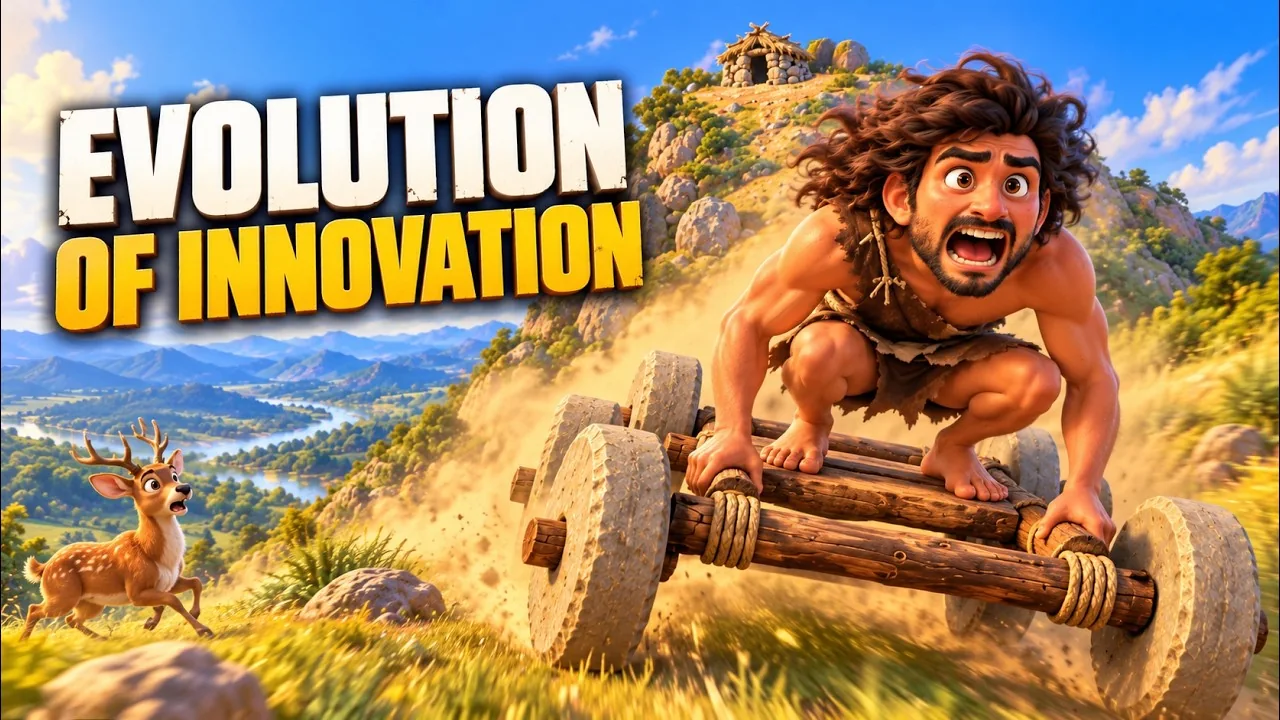
AI video can help explore settings and visual concepts that would be difficult to shoot for a small brief. It can also be useful when a brand story needs an imagined scene rather than a literal product demonstration.
Generated footage still needs selection and finishing. Check faces, hands, objects, text and movement between shots. A scene that looks convincing as a still can change during playback. Plan time to reject or replace material that does not hold up.
Use motion graphics to explain a relationship
Motion graphics suit features, steps, comparisons and interface ideas. You can guide attention with type, shapes and movement while keeping the information precise. The animation should give the viewer time to understand the point.
Decide which assets need to be supplied and which need to be designed. A logo animation, a product walkthrough and an app motion asset have different requirements. Agree on the destination and file format before animation begins.
Make the different sources feel like one film
A mixed approach can work well: filmed product footage, animated labels and an AI scene for the wider concept. The final edit needs consistent colour, rhythm and sound so the sources belong to the same story.
Do not add every technique to every video. If a clean filmed shot explains the product, let it do that job. If a line of type makes the point clearer, an extra scene may not be needed. Removing a distraction is also part of the edit.
Write the brief around the result
Share the audience, message, supplied assets and examples of the finish you need. Tell the editor what must be real and what can be interpreted creatively. Confirm usage permissions for supplied or generated material before publishing.
My portfolio includes video editing, AI brand films and motion work. I use these approaches together where the brief needs them, with hands-on editing and finishing. If you are unsure which direction fits, send the idea and the details that must remain accurate.
YOUR PROJECT CHECKLIST
Select the points you have ready.
PUT THE GUIDE INTO PRACTICE
See how this looks in practice.
I’m Narendra, a video editor and design manager. Explore my videos, experience and resume, or share your project.