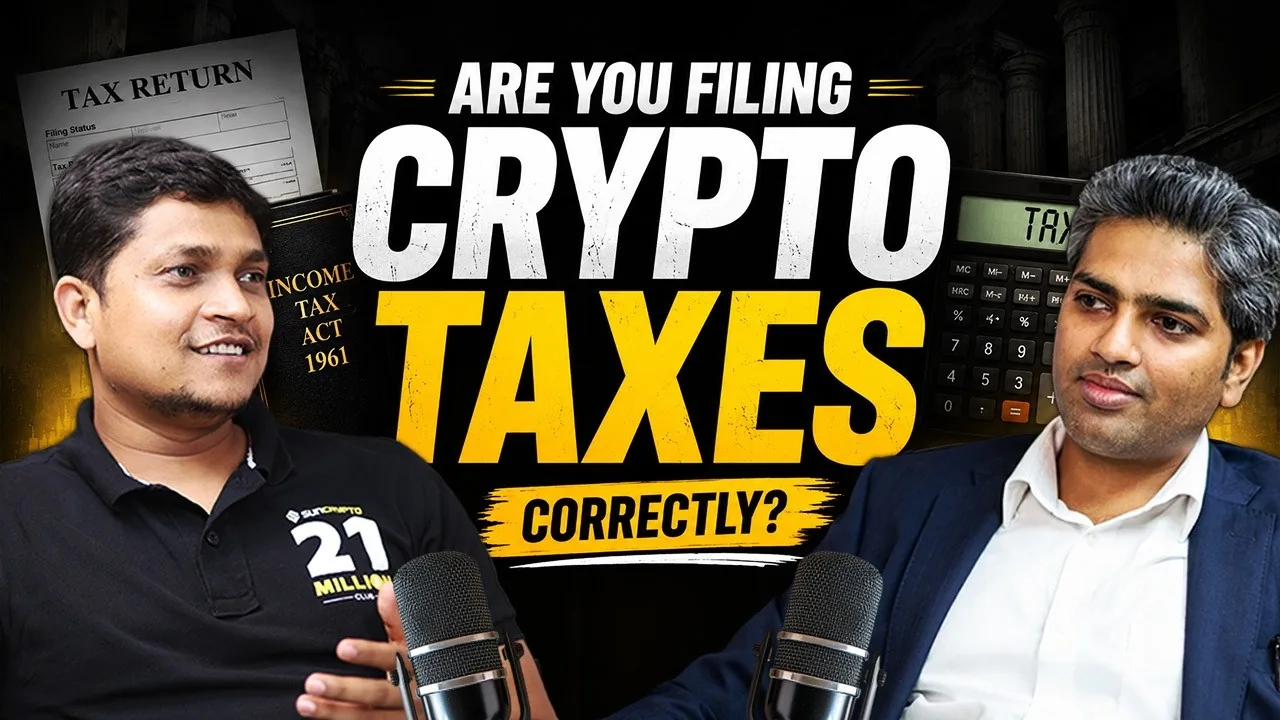
Find one complete idea
Look for a clear explanation, a useful lesson or a specific story. Mark where the idea starts and where it ends. If the clip needs a long introduction to make sense, try a different moment.
The opening should give someone a reason to listen. Avoid a headline that promises more than the conversation actually says.
Keep the speaker’s meaning
Remove distractions and pauses that slow the idea down, but keep important context. Do not join separate phrases in a way that changes what the speaker meant. Check the final clip against the original recording.
Balance the voices and reduce distracting noise carefully. Too much processing can make speech sound unnatural. Listen on headphones and a phone speaker before exporting.
Frame it for a phone
Keep the speaker’s face and useful gestures in view. A fixed centre crop of a wide interview will not always work. Move between angles when it helps the conversation.
Use product screens, graphics or other footage only when they explain something. Extra visuals are not always needed. Sometimes the speaker is enough.
Check every caption
Read the transcript, especially names and technical terms. Break captions into natural phrases, keep good contrast and leave room for platform controls. Check the export at phone size.
Use a consistent type style. A little emphasis can help, but changing every word’s colour or size makes the clip harder to follow.
Before you publish
I edit full podcast episodes and short highlights. If you need both, send the full recording and tell me who you want the clips to reach.
YOUR PROJECT CHECKLIST
Select the points you have ready.
PUT THE GUIDE INTO PRACTICE
See how this looks in practice.
I’m Narendra, a video editor and design manager. Explore my videos, experience and resume, or share your project.